How can I fix the Flatpickr calendar overflow issue in OutSystems when using JavaScript?
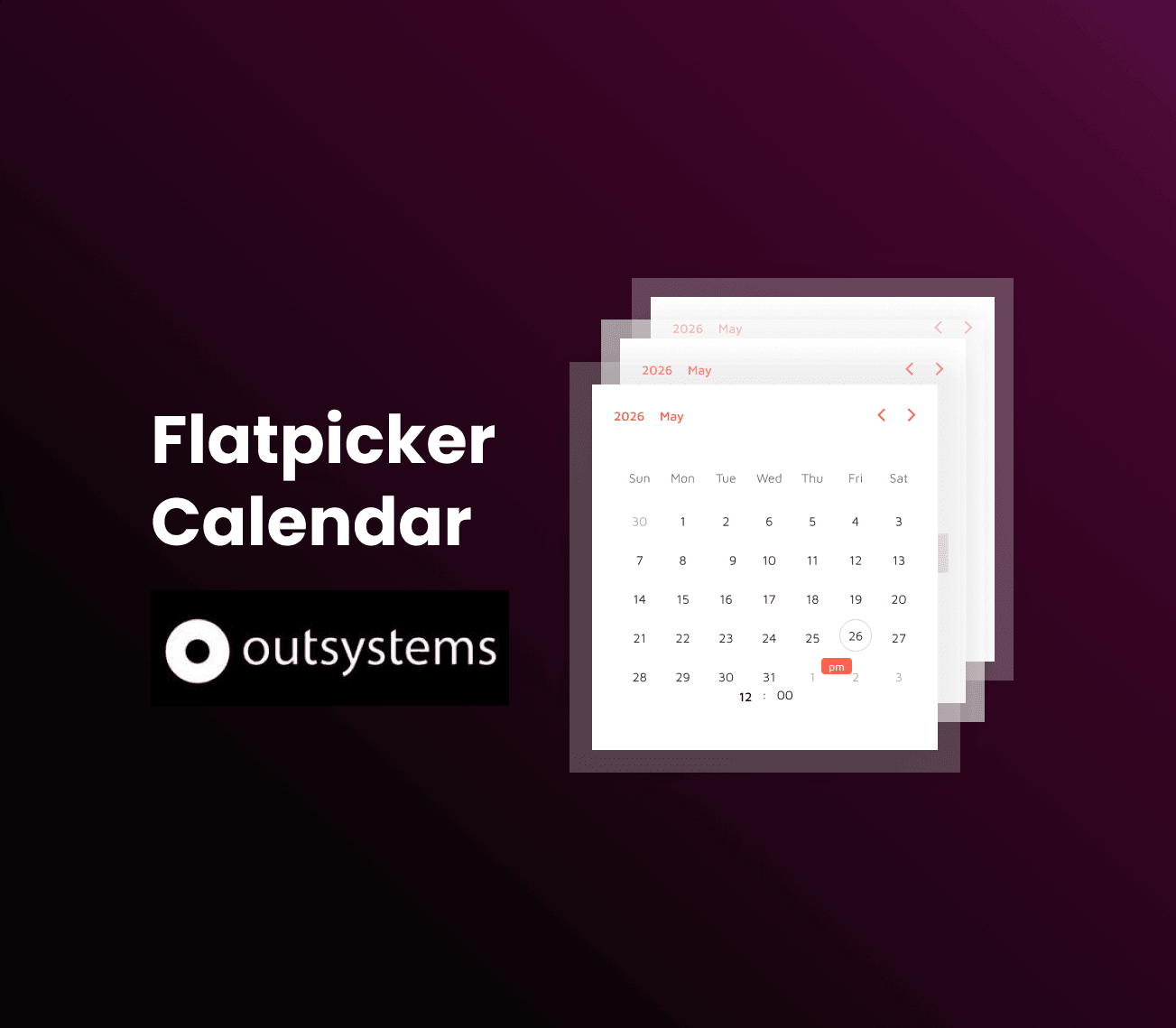
OutSystems provides a predefined DatePicker component that uses Flatpickr internally. However, a common issue occurs when the calendar overflows and gets hidden—especially near the bottom of the page. This typically happens because the Flatpickr calendar is dynamically generated and positioned in a way that can conflict with container layouts (such as those using overflow: hidden or overflow: auto).
While there are predefined configuration options to manage this behavior, they are not always accessible—especially when working with dependencies. In such cases, using a small JavaScript solution is a practical and effective approach.
You can resolve this issue by following these simple steps:
Step 1: Create an OnReady event on your screen.
Step 2: Add a Run JavaScript action.
Step 3: Insert the required JavaScript code to detect and adjust the calendar position dynamically.
setTimeout(function () {

  function checkCalendarTop() {
    var calendar = document.querySelector(".flatpickr-calendar.open");
    if (!calendar) return;

    // Get computed top value (in px)
    var topValue = window.getComputedStyle(calendar).top;

    if (!topValue) return;

    var top = parseFloat(topValue); // convert "820px" → 820

    if (top < 992) {
      calendar.classList.add("calendar-top-limit");
    } else {
      calendar.classList.remove("calendar-top-limit");
    }
  }

  // Detect when calendar opens
  const observer = new MutationObserver(function () {
    setTimeout(checkCalendarTop, 20);
  });

  observer.observe(document.body, {
    childList: true,
    subtree: true,
    attributes: true,
    attributeFilter: ["class"]
  });

  // Re-check on scroll / resize
  window.addEventListener("scroll", checkCalendarTop);
  window.addEventListener("resize", checkCalendarTop);

}, 100);
.calendar-open-up {
  transform: translateY(-100%);
}